Getting the most out of your internet box starts with knowing your way around its management interface, and that's exactly what maFreebox offers. Whether you've just unboxed a new Freebox or you've had one for years without exploring its full potential, this guide walks you through everything from initial setup to advanced features, helping you take control of your home network with confidence.
Key points
- The maFreebox application provides a centralized and user-friendly interface for managing all aspects of your Freebox home network.
- Initial setup can be performed via the app or by accessing mafreebox.freebox.fr, though users should check their DNS and proxy settings if they encounter connection issues.
- The platform allows users to monitor real-time internet speeds, optimize Wi-Fi channels, and evaluate eligibility for fibre upgrades.
- Administrators can secure their network by identifying connected devices, renaming them, and implementing parental controls to restrict usage.
- The interface facilitates advanced management, including VoIP telephony settings, streaming service access, and personalized user profiles for entertainment.
- Free provides options for remote access and security tools like McAfee to ensure that home networks remain protected and accessible from anywhere.
Getting Started with maFreebox: Installation and Initial Configuration
Downloading and Installing the maFreebox Application
Setting up the maFreebox application is refreshingly straightforward. The software is available for download directly through the official Free channels, and once installed, it becomes your central hub for everything related to your Freebox OS. There's no need for technical expertise here; the interface has been designed with everyday users in mind, guiding you through each step with clear prompts. Once installed, the application automatically searches for your box on the local network, saving you the hassle of manual configuration in most cases.
Connecting Your Freebox to the maFreebox Interface for the First Time
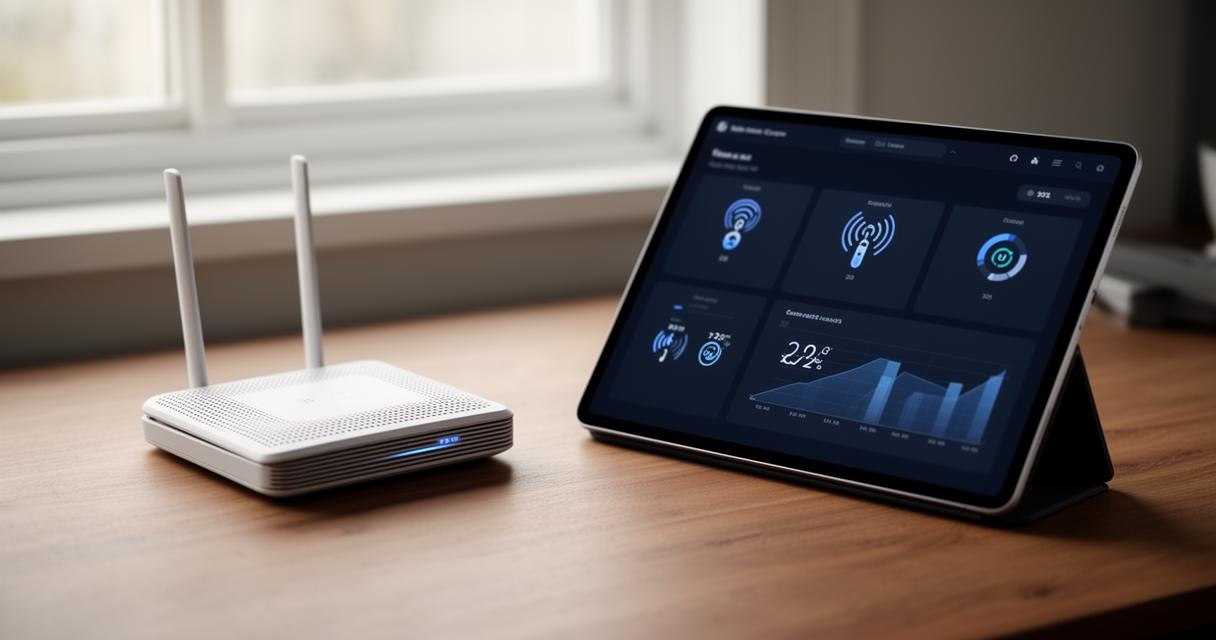
The first connection typically happens through the address mafreebox.freebox.fr, a portal that grants you access to your box's settings from any device connected to your home network. However, some users have reported difficulties logging in, particularly when a webproxy is active on their system. One user, identified as Tg92, described being locked out of the interface whilst running a webproxy, only regaining access after restarting the proxy service entirely. Network specialist Peter Müller later confirmed similar timeout issues when attempting requests to the address, suggesting the problem wasn't isolated. Tg92, who was working with IPFire version 2.27 and had the webproxy activated in transparent mode on the green network, ran a series of cURL commands to diagnose the fault, discovering that a POST request was behaving unexpectedly. The root cause, it turned out, was linked to lingering DNS settings from the Freebox that clashed with the ISP's own resolver, occasionally returning different IP addresses for the same domain. Disabling the option to use ISP-assigned DNS servers resolved the conflict and restored normal access. If you ever find yourself unable to reach the interface, checking your DNS configuration and proxy settings is a sensible first troubleshooting step, and Free Pro assistance remains available for anyone needing further support.
Mastering your network: wi-fi, internet connection, and device management
Optimising your wi-fi network settings and connection speed
Once you're comfortably logged in, the real fun begins with fine-tuning your wireless network. The maFreebox dashboard lets you monitor connection speed in real time, check download rates, and adjust channel settings to avoid interference from neighbouring networks. For homes where signal strength struggles to reach every room, Free offers Wi-Fi repeaters as part of its equipment lineup, extending coverage without compromising speed. It's also worth checking your eligibility for fibre internet, as upgrading from ADSL can make a dramatic difference to both browsing speed and streaming reliability. Free provides a handy comparison tool covering its full range of boxes, including the Ultra, Ultra Essentiel, Pop, Pop S, Révolution Light, and the 5G Box, each suited to different household needs and budgets.
Administering connected devices and configuring parental controls
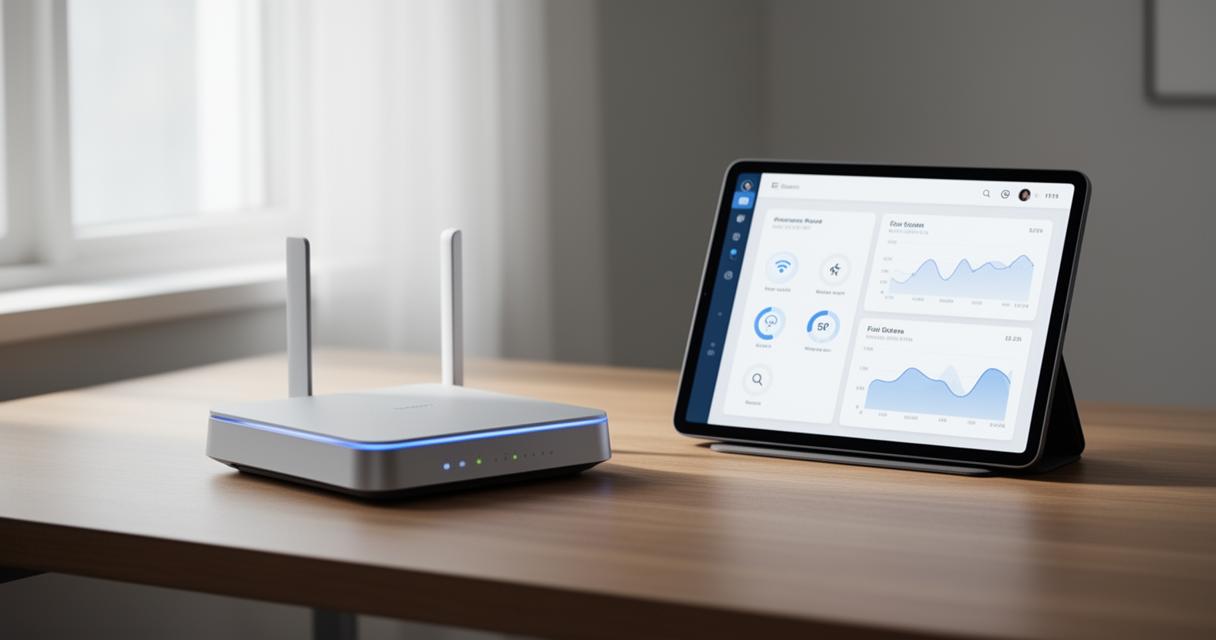
Managing the devices connected to your network is another area where maFreebox shines. From the interface, you can see exactly which gadgets are online, rename them for easier identification, and even restrict access for specific devices at certain times of day. This proves particularly useful for parental controls, allowing households to set boundaries around screen time or block inappropriate content without needing a separate piece of software. Security remains a priority throughout, and Free bundles McAfee security tools with certain packages, adding an extra layer of protection against threats lurking online.
Advanced features: voip calls, streaming quality, and content administration
Managing voip calls and checking your download rates
Beyond basic connectivity, maFreebox also handles telephony through VoIP, letting users manage calls, check logs, and adjust settings without needing a separate landline service. This ties in neatly with the broader suite of mobile offers Free provides, including Free Max, Free 5G+, and the Series Free plan, alongside budget-friendly options starting from just €2 a month. Whether you're pairing your home connection with a new smartphone from Apple, Samsung, or Xiaomi, or opting for a reconditioned device to save some money, the ecosystem is designed to work together seamlessly. Even wearables like the Apple Watch can be managed alongside your mobile plan, creating a joined-up experience across all your devices.
Viewing messages, managing channels, and creating tailored user profiles
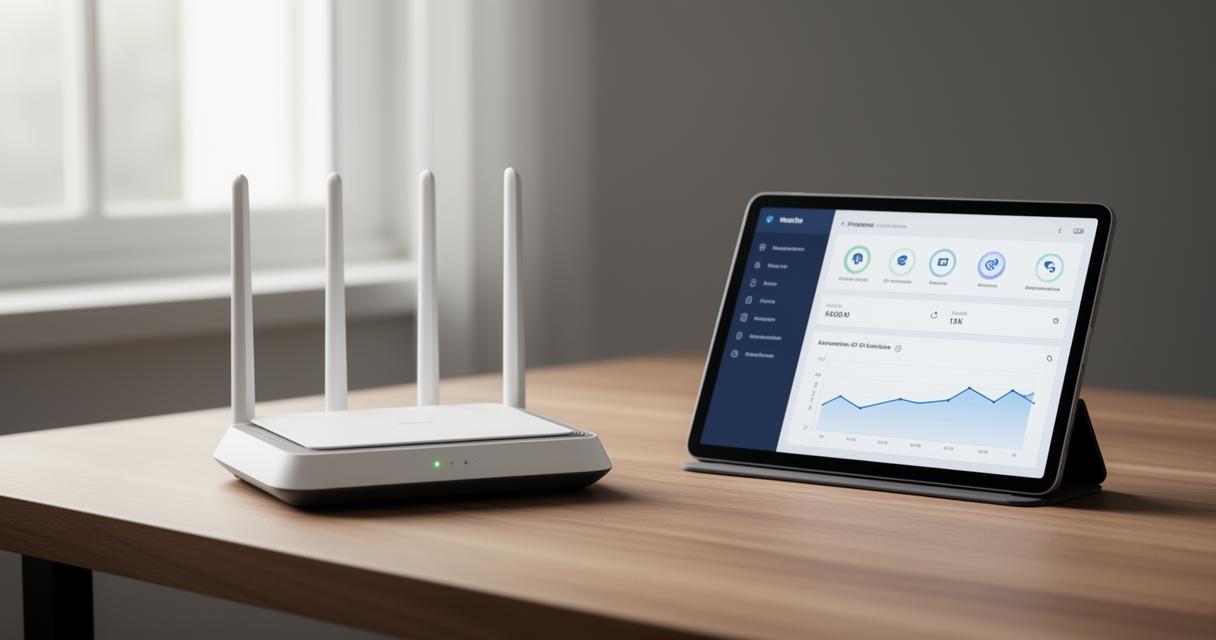
For entertainment, the maFreebox interface doubles as a gateway to an impressive range of streaming services. Subscribers can access CANAL+, Disney+, Netflix, and numerous VOD and replay services directly through their television package, with channel management handled from the same dashboard used for network settings. Creating separate user profiles means every member of the household can enjoy a personalised experience, whether that's curated viewing recommendations or restricted access for younger family members. Messages and notifications from your box also appear within the app, keeping you informed about any updates or issues without needing to dig through menus. For those wanting to check on their setup whilst away from home, remote access to Freebox OS is available too, provided the appropriate security measures are in place beforehand. Altogether, maFreebox transforms what could be a daunting technical process into something genuinely manageable, putting full control of your internet, entertainment, and communication needs into one accessible place.