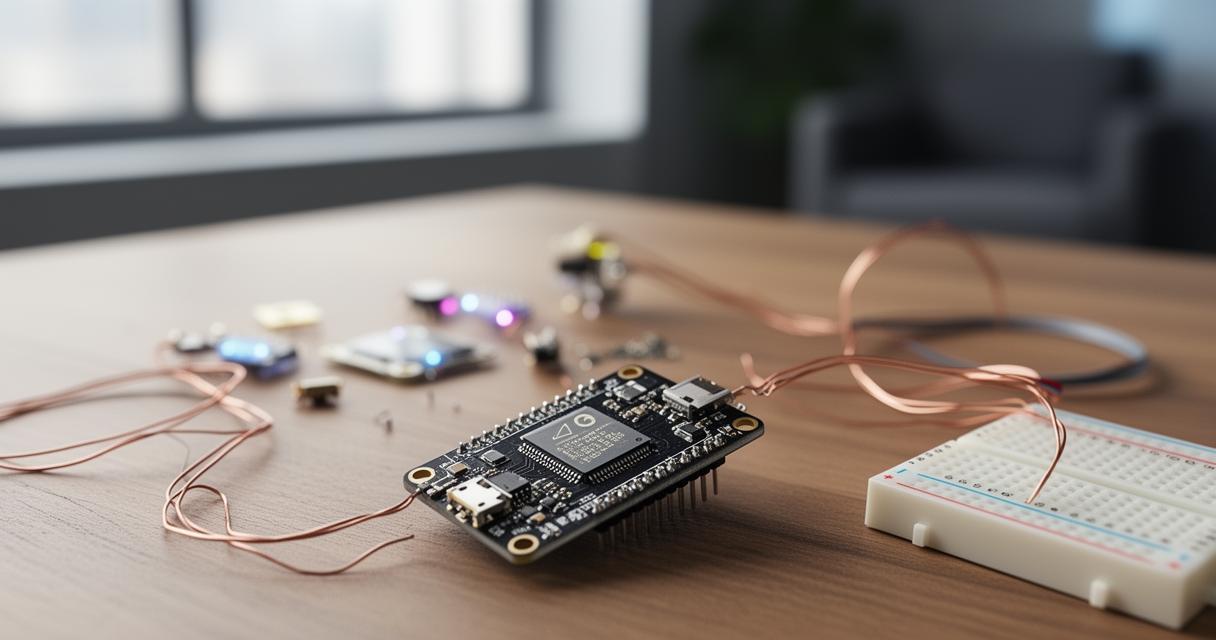
Turning an ordinary house into a genuinely responsive home no longer requires an army of electricians or a small fortune. With a connected switch with remote control and voice command sitting at the heart of the setup, households across the country are discovering just how straightforward it can be to bring lights, shutters, and appliances under one intelligent umbrella. This guide walks through the practical steps involved in building a smart home ecosystem that actually works, from understanding the technology itself to wiring considerations and the automation routines that make daily life a little easier.
At a glance
- Smart switches function as traditional switches equipped with digital connectivity, allowing for remote management of home devices via a smartphone app.
- Users can choose from various switch types designed for specific tasks, such as automating lighting, managing shutters, or controlling multiple appliances at once.
- Integrating smart switches with voice assistants like Amazon Alexa or Google Home enables hands-free control, significantly enhancing home responsiveness.
- The setup process involves connecting the switch to a Wi-Fi network, linking it to a companion app, and configuring the assistant for intuitive voice commands.
- Compatibility between brands like Meross, Legrand, or Netatmo and your smart home platform is essential to ensure seamless ecosystem functionality.
- Before installation, it is crucial to verify if your home's wiring includes a neutral wire, as many smart switches require this for proper operation.
Understanding Connected Switch Technology and Its Role in Your Smart Home
At its core, a smart switch is simply a standard light or appliance switch that has been given a digital brain. Rather than relying purely on a physical flick, it connects to your home network and lets you manage devices from anywhere using a smartphone app. This shift towards smart homes UK households are increasingly embracing reflects a much larger trend, with projections suggesting that by 2027 there could be as many as 15.1 million smart homes in the country, representing over half of the domestic market. That kind of growth signals that connected switches are quickly moving from novelty gadgets to everyday household staples.
What Makes a Switch 'Smart'? Exploring Wi-Fi Connectivity and Remote Access
The defining feature of any smart switch is its ability to connect wirelessly to your home network, allowing remote control appliances to be operated whether you are sitting on the sofa or stuck in traffic on the way home. This is made possible through Wi-Fi connectivity, which links the switch to a companion app on your phone. From there, you can turn lights on before you arrive, switch off appliances you forgot about, or check the status of a device at a glance. It is this constant, flexible access that separates a smart switch from its traditional counterpart, and it is precisely what makes remote control such a compelling feature for busy households.

Choosing between different smart switch types: light control, shutter management, and multi-device options
Not all smart switches serve the same purpose, so it pays to think about what you actually want to automate before buying. Some are designed purely for automated lighting, letting you dim, schedule, or group lights across different rooms. Others extend into shutter or blind control, which is particularly useful for households wanting to manage natural light and privacy without lifting a finger. There are also multi-device switches capable of handling several appliances at once, which suits larger homes or those wanting a single hub-like solution. Considering these options carefully at the outset saves both time and money further down the line.
Setting Up Voice Command Control: Integrating with Amazon Alexa and Google Home
Once the switch itself is installed, the real transformation happens when voice control enters the picture. Being able to simply say a command and have the lights dim or the shutters close feels like a genuine leap forward, and it is one of the most popular reasons people invest in smart switches in the first place. Combined with other AI assistants, this voice-driven approach turns a house into something that responds naturally to how people actually live.
Step-by-Step Guide to Connecting Your Smart Switch with Voice Assistants
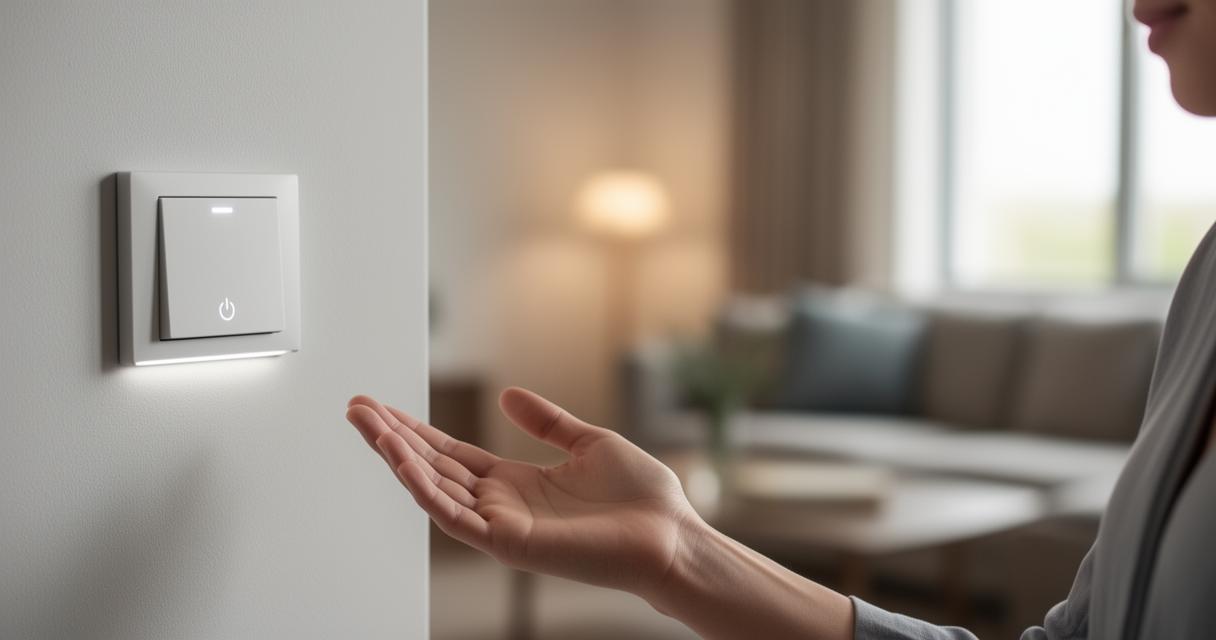
Getting a smart switch talking to a voice assistant is usually more straightforward than people expect. The process typically begins with downloading the manufacturer's app, creating an account, and connecting the switch to your home Wi-Fi network. From there, you link the app to your chosen assistant, whether that is Amazon Alexa, Google Home, or Apple HomeKit, granting permission for the two systems to communicate. Once paired, you can rename devices to something intuitive, group them into rooms, and start issuing voice commands almost immediately. It is worth spending a little time on naming conventions early on, since clear labels make future automation and troubleshooting far simpler.
Maximising Compatibility: Which Platforms Work Best with Meross, Legrand, and Netatmo Switches
Brand compatibility can make or break the smooth running of your ecosystem, so it is worth checking which platforms suit your preferred switch before committing. Meross switches tend to offer broad support across most major assistants, making them a flexible choice for mixed households. Legrand, known for its more premium and design-conscious approach, integrates particularly well with established smart home hubs and often suits those already invested in a wider ecosystem. Netatmo, meanwhile, has built a reputation around thoughtful home automation features and tends to pair especially well with Apple's ecosystem, appealing to users who prioritise privacy and security alongside convenience. Matching the right brand to the right assistant from the outset avoids frustrating compatibility gaps later.
Installation essentials and building your complete smart home ecosystem
With the technology and voice integration sorted, attention naturally turns to the practical side of installation and how the switch fits into the bigger picture of a connected household. This is where a bit of planning goes a long way, particularly when it comes to wiring and expanding the system over time.
Navigating the Neutral Wire Requirement: What You Need to Know Before Installing
One detail that catches many people out is the neutral wire requirement. Certain smart switches need a neutral wire present in the wall to function correctly, and older properties do not always have this readily available. Before purchasing, it is sensible to check your existing wiring setup or consult an electrician, since retrofitting a neutral wire can add both time and cost to the project. This decision often ties into the broader choice between wireless vs hardwired systems, with wireless options generally being easier and cheaper to install, particularly in smaller homes, while hardwired setups tend to offer greater reliability at a higher upfront cost. Weighing up these factors early prevents unwelcome surprises during installation day.
Expanding your system: creating automation routines and multi-device control strategies
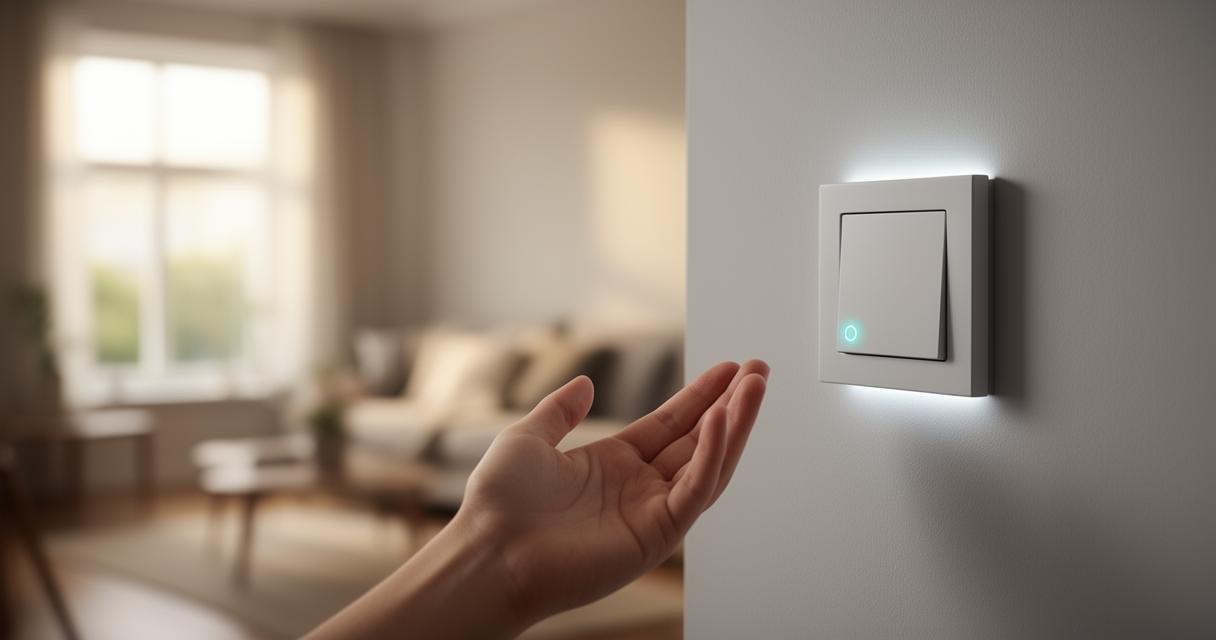
Once your switches are installed and talking to your chosen voice assistant, the fun really begins with building routines that reflect your daily rhythm. A morning routine might gradually raise the shutters, switch on smart lighting, and nudge the thermostat upward, while an evening setting could dim lights and lock doors automatically. Expanding further, many households add security systems, smart security cameras, and automated door locks to create a genuinely joined-up safety net across the property. Popular additions also include smart plugs, motion sensors, smoke detectors, and even robotic vacuums, each contributing to a home that quietly looks after itself.
Different rooms benefit from different upgrades too. The living room often becomes the centre of home entertainment, the bedroom benefits from precise temperature control, the kitchen gains time-saving conveniences, and the bathroom can introduce water-saving technology that reduces waste without sacrificing comfort. It is also worth thinking about accessibility features such as voice control, seamless app integration, and guest access options, ensuring the system works well for everyone in the household, including visitors with specific needs.
None of this works reliably without a solid foundation underneath it, which means network security and connection quality deserve just as much attention as the gadgets themselves. A stable connection, ideally supported by Full Fibre broadband, keeps devices responsive and reduces frustrating lag between command and action. At the same time, safeguarding your network protects personal data protection from potential hackers, an increasingly important consideration as more devices join the internet of things within a single household. Taking these steps seriously from the start ensures that your smart home ecosystem remains not just convenient, but genuinely secure for years to come.