Getting a new SFR SIM or micro-SIM card up and running should be a quick and painless process, yet plenty of customers find themselves stuck at one stage or another. Whether you have just picked up a shiny new handset such as the iPhone 17 Pro Max, the Samsung Galaxy S26 Ultra, or the Google Pixel 10 Pro, or you are simply swapping providers to take advantage of a better tariff, this guide walks you through everything you need to know to get connected without any unnecessary fuss.
Key takeaways
- Before activating, ensure your smartphone is network-unlocked and supports the correct SIM card size, such as nano or micro format.
- Properly insert the SIM card into the device tray while the phone is powered off to avoid hardware-related issues.
- Complete the activation process through the official SFR website by entering your account details and the activation code provided with your SIM.
- Finalize your mobile plan and identity registration to allow the network to recognize and provision your new service.
- Be aware that full activation can take up to twenty-four hours; during this time, you may experience temporary service interruptions.
- If you encounter persistent issues like 'SIM not provisioned' after a day, try restarting your device or toggling airplane mode.
- Contact SFR customer support for technical assistance if service remains unavailable after the expected timeframe.
Getting Started: Preparing Your Device and SIM Card for Activation
Before you even think about slotting your new card into your phone, it is worth taking a moment to check that everything lines up properly. A surprising number of activation headaches come down to simple compatibility issues that could have been avoided with a quick check beforehand.
Verifying mobile compatibility and network unlocking requirements
The very first thing to confirm is whether your handset is unlocked and ready to accept a SIM from a new network. If you have recently upgraded through a trade in scheme or bought your device outright, this is usually not a problem, but phones that came bundled with another provider's Pay Monthly plan can sometimes be locked to that network. It is also sensible to check that your device supports the correct SIM size, since many modern smartphones now use the smaller nano format, while some accessories or older tablets may still require a standard micro-SIM. If you are moving to an eSIM instead of a physical card, the process differs slightly, so make sure you know which type you have been sent before you begin.
Properly Inserting Your SFR SIM or Micro-SIM Card into Your Handset
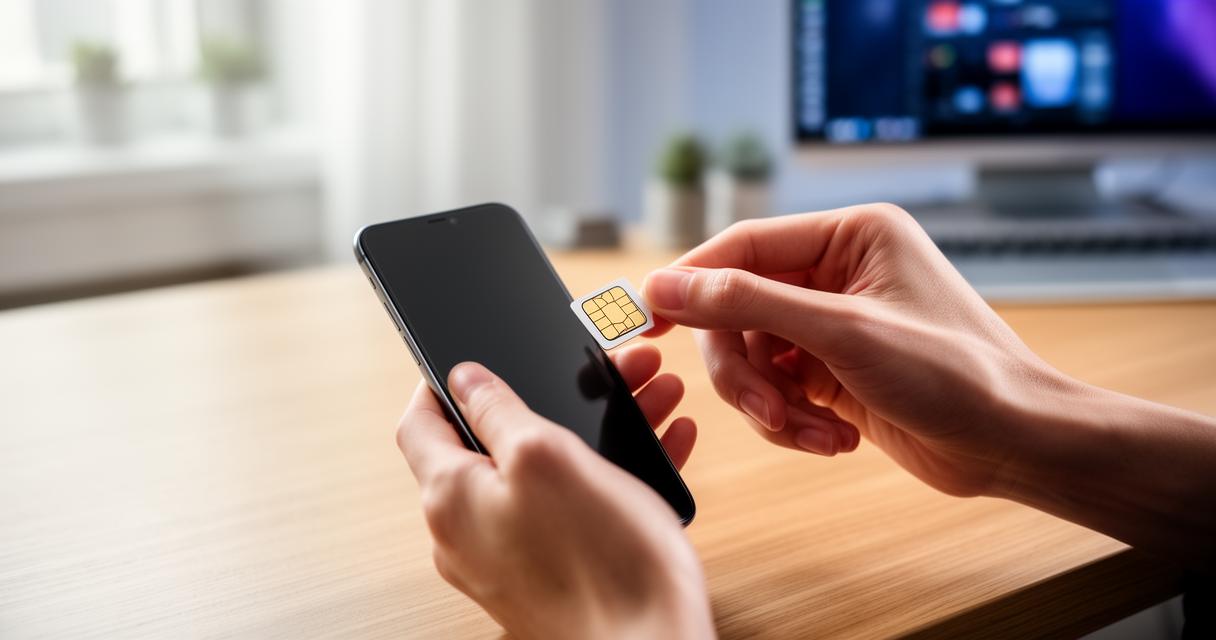
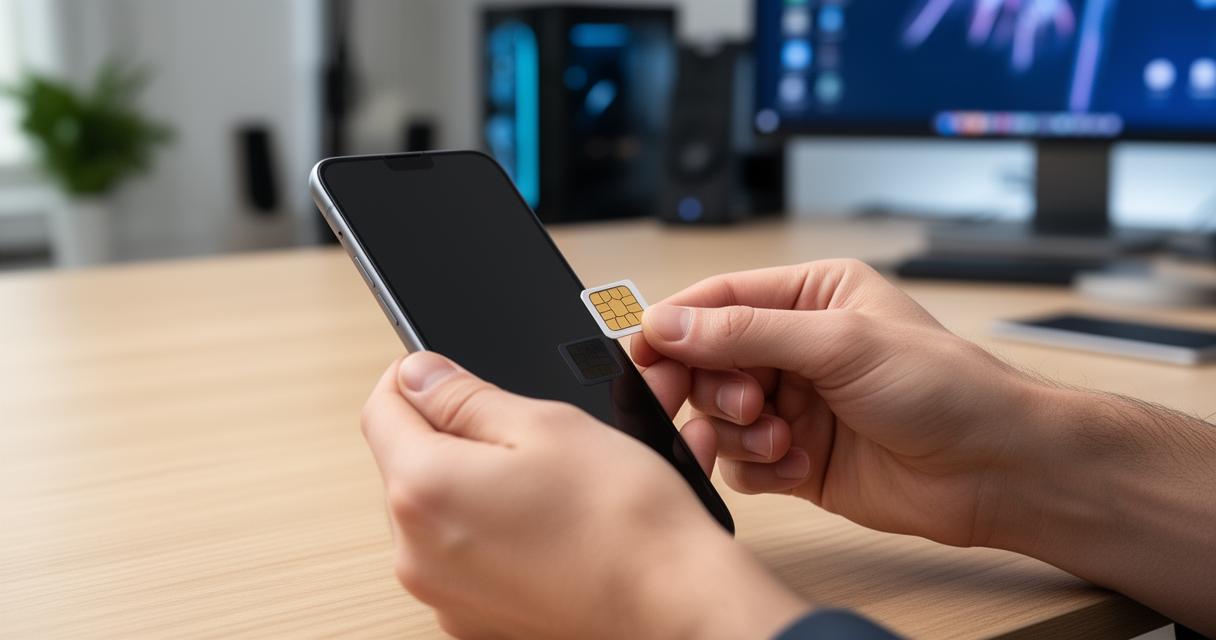
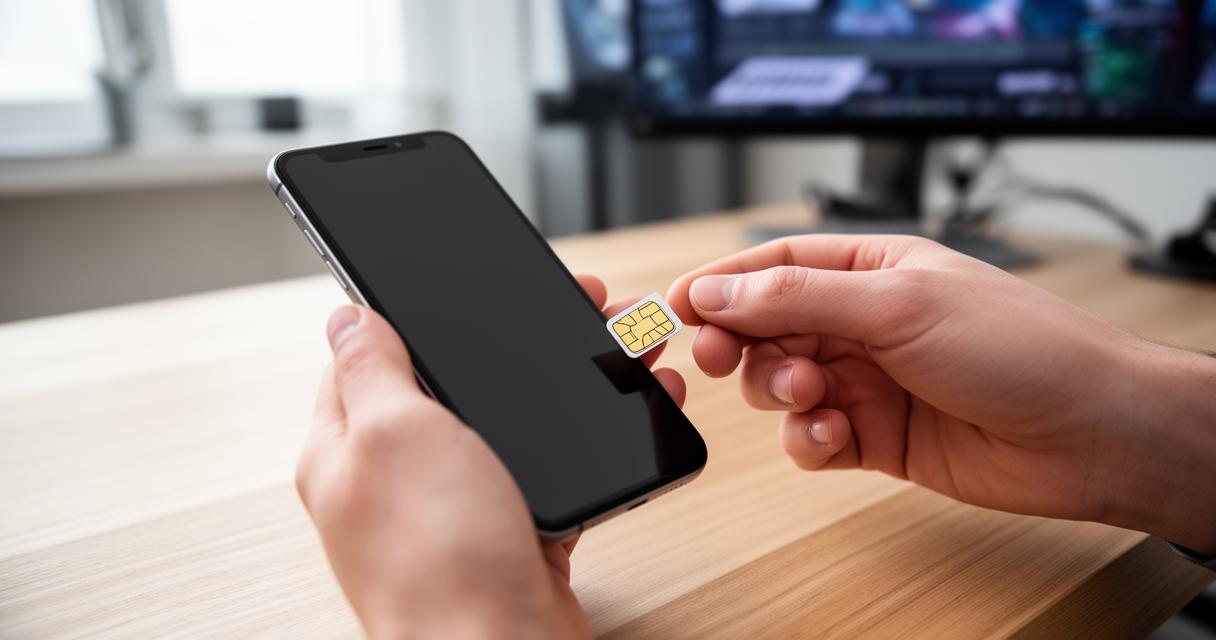
Once you are confident your phone is compatible, switch the device off completely before inserting the card. Most modern smartphones require a small tool or a straightened paperclip to eject the SIM tray, and it is worth double checking the orientation printed on the tray itself so the card sits correctly. Pop the SIM into place, slide the tray back in, and power the phone back on. If you are using a device with dual SIM functionality, you may need to select which slot should handle your calls, texts, and mobile data.
Step-by-step activation process: online portal and activation code methods
With the card physically in place, the next stage is completing the activation itself. SFR, much like other providers, offers a straightforward online journey for this, though there is also an activation code method for those who prefer a more direct route.
Accessing the SFR Activation Website and Entering Your Personal Information
Head to the official activation page and have your new phone number, account reference, and personal details ready. You will typically be asked to confirm your identity, enter the code supplied with your SIM packaging, and verify your address. This step is broadly similar whether you have chosen a Pay Monthly agreement or a Pay as You Go SIM only plan, though Pay as You Go customers may find the process slightly quicker since there is no credit check or contract to finalise.
Configuring your mobile tariff plan and finalising registration details
Once your identity has been verified, you will move on to choosing or confirming your tariff. This is a good moment to think about whether unlimited data suits your usage habits, or whether a smaller allowance paired with home broadband services such as full fibre or 5G broadband would serve you better. Many customers switching from another network can also claim up to £200 in credit towards leaving fees, so it is worth having your final bill to hand when registering. After confirming your plan, you simply finalise the registration and wait for the network to recognise your new SIM.
Troubleshooting common activation problems and accessing sfr customer support
Even with careful preparation, activation does not always go smoothly the first time, and it helps to know what is normal and what might signal a genuine problem.
Understanding activation timeframes and resolving delayed service issues
In most cases, activation completes within a couple of hours, though it can occasionally take up to twenty four hours before your service is fully live. During this window you might notice no signal, an inability to send texts, or an error message resembling SIM not provisioned. This particular message is common and usually resolves itself once the network finishes updating your account, though restarting your handset or toggling airplane mode on and off can sometimes speed things along. If you are still without service after a full day, it is a strong indicator that something needs manual attention rather than simply more patience.
Contacting SFR Customer Care for Technical Assistance and Query Resolution
Should problems persist, reaching out to customer support is the sensible next step. Representatives can check your network status, confirm whether your registration details were processed correctly, and talk you through further troubleshooting such as checking Bluetooth settings, adjusting caller ID preferences, or reinserting your card correctly. Support teams are also well placed to answer questions about roaming charges, coverage in your area, and any ongoing offers on phone deals or accessories from brands like HONOR, including their Magic Series handsets, MagicBook laptops, and range of wearables and earbuds. Once your SIM is confirmed active, you can sit back and enjoy your new service, safe in the knowledge that any teething problems have been ironed out.